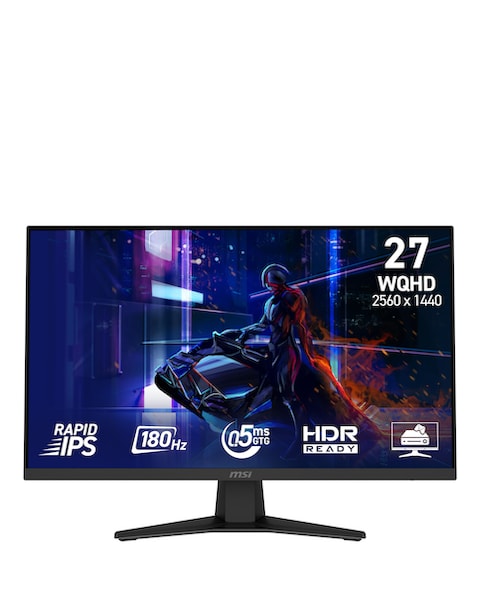
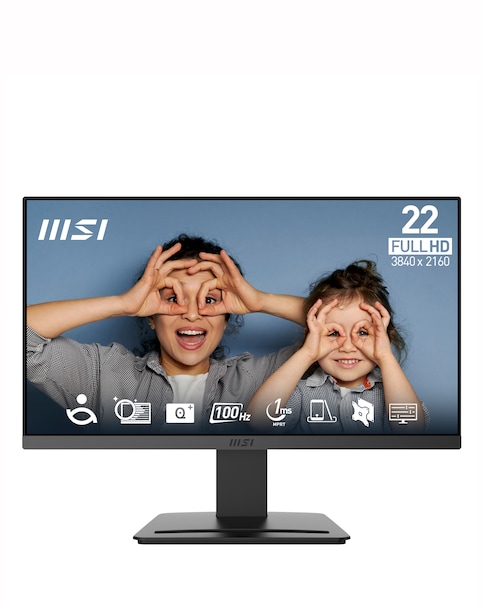
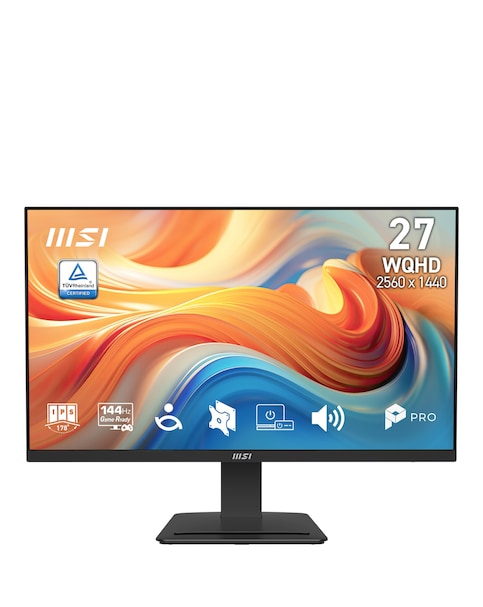
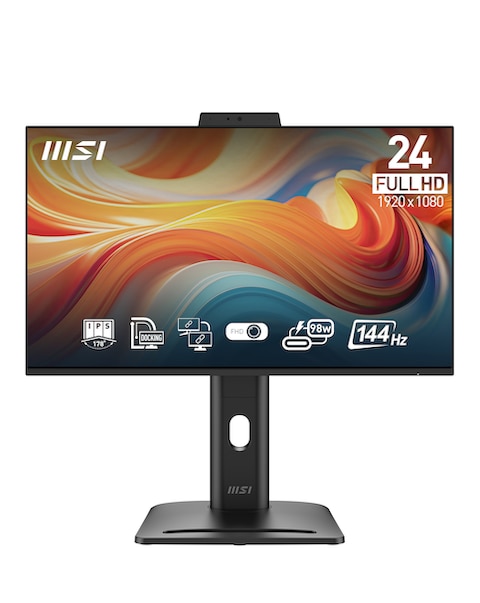
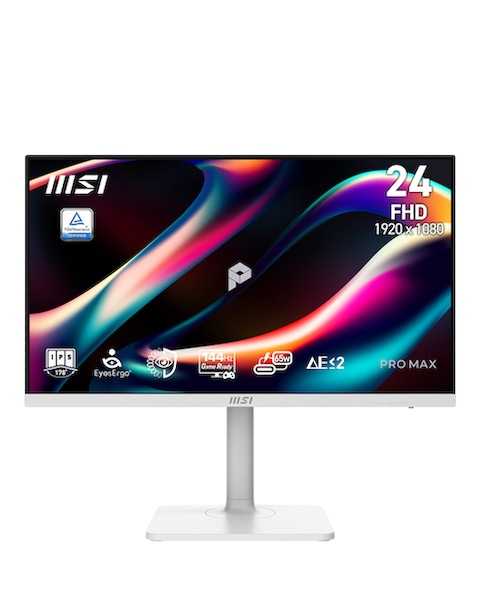
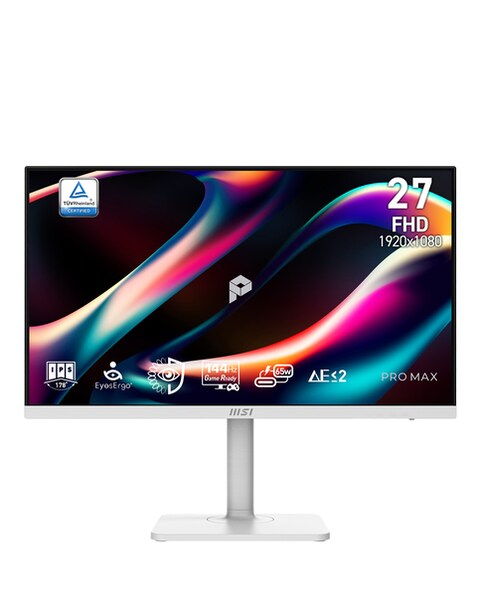
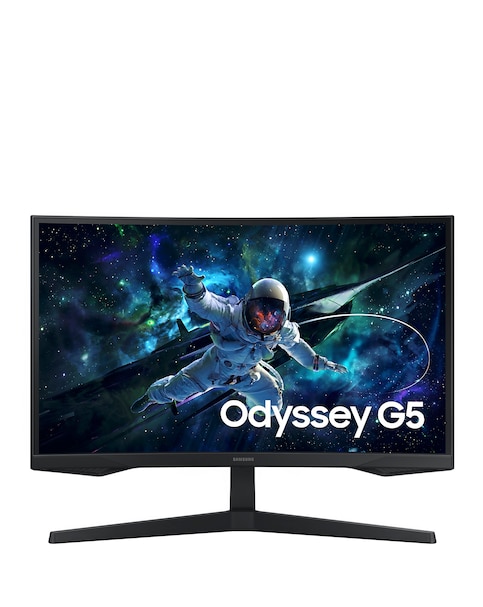
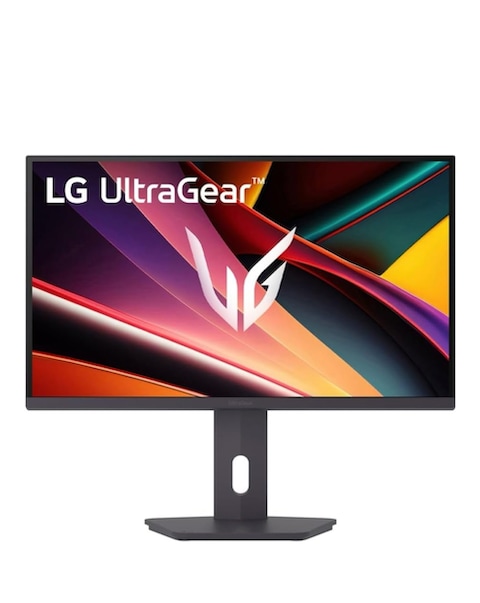
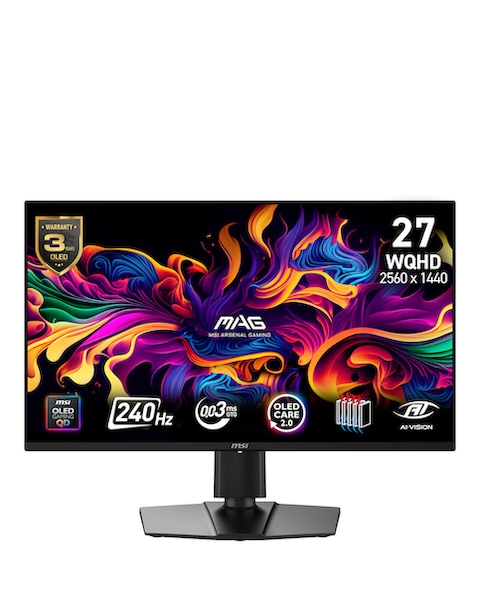
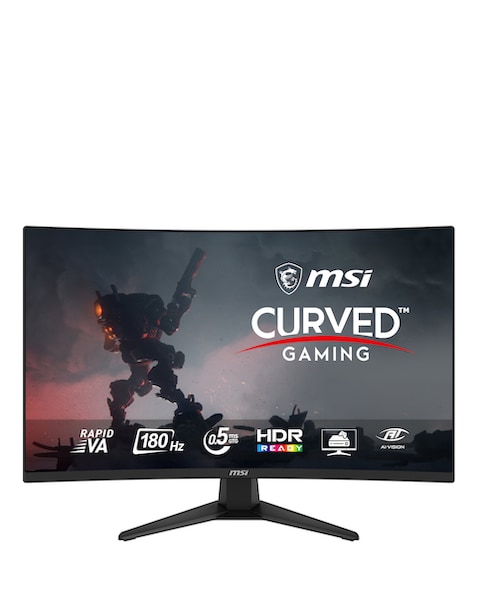
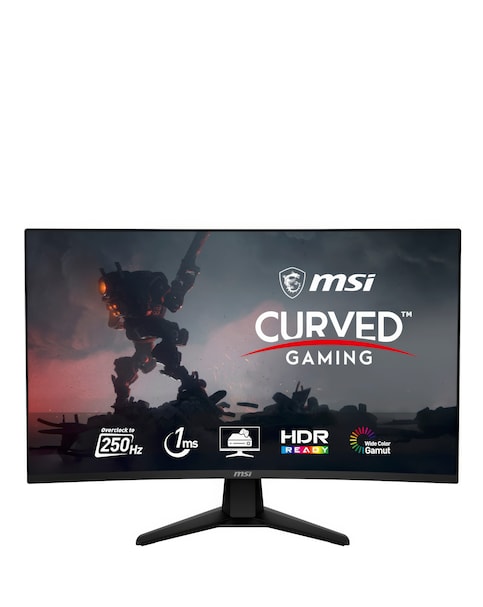
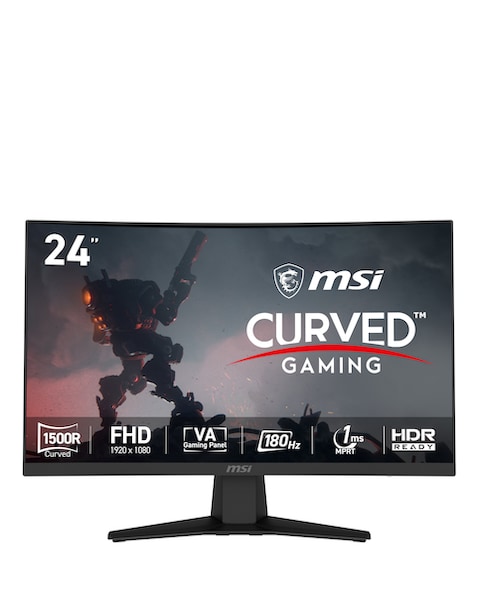
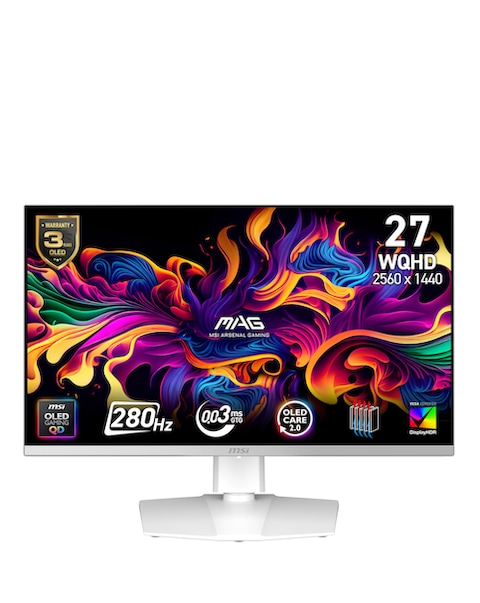
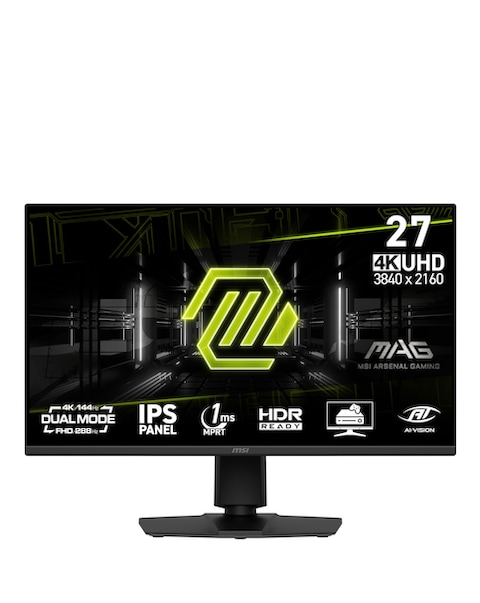
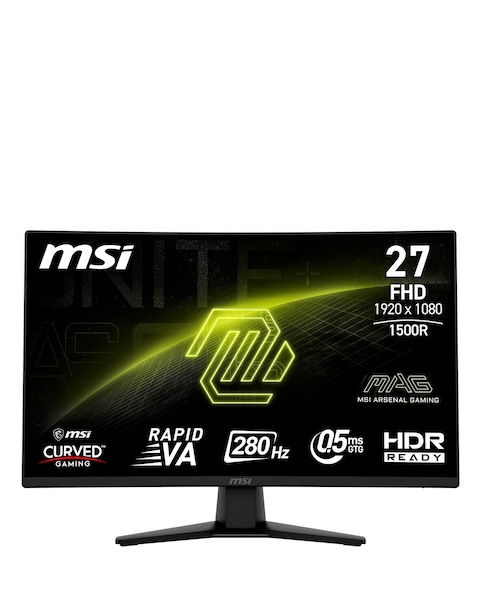
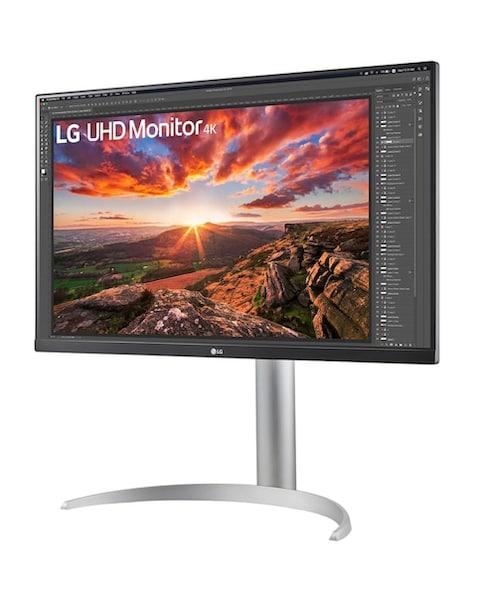
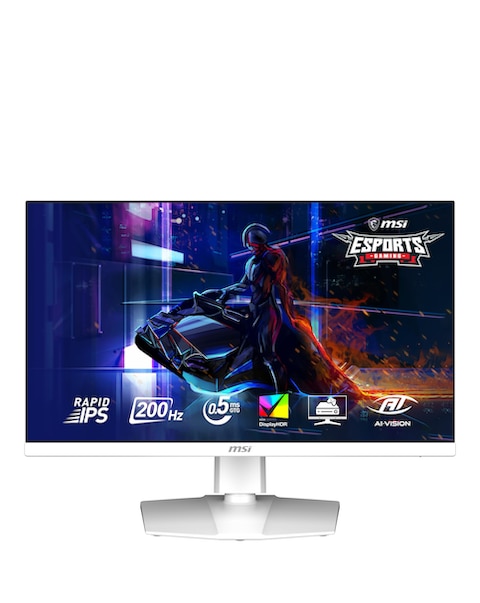
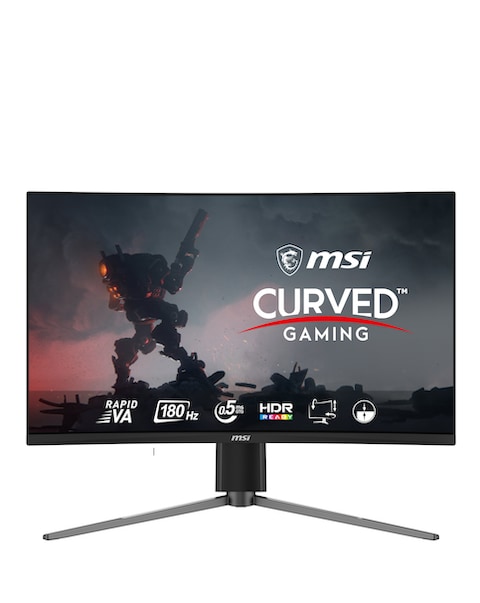
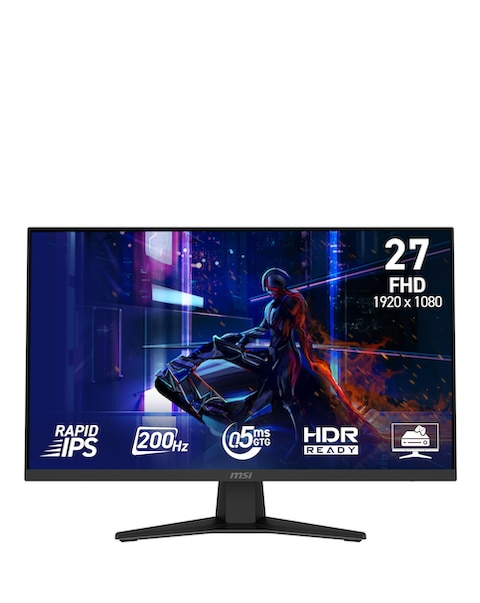
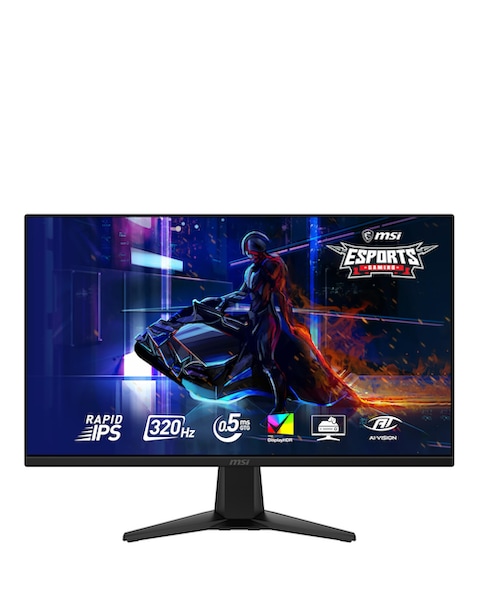
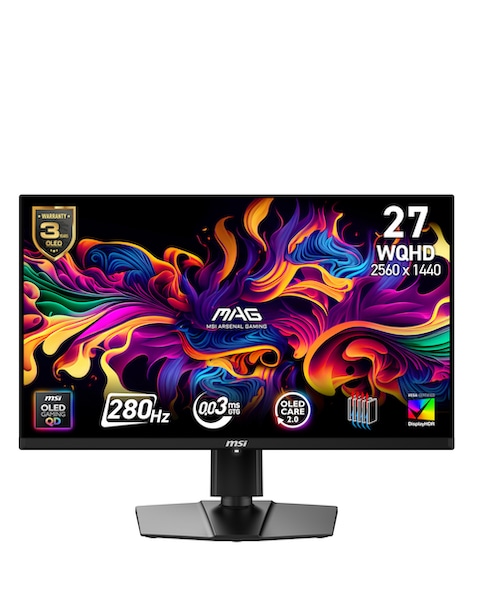
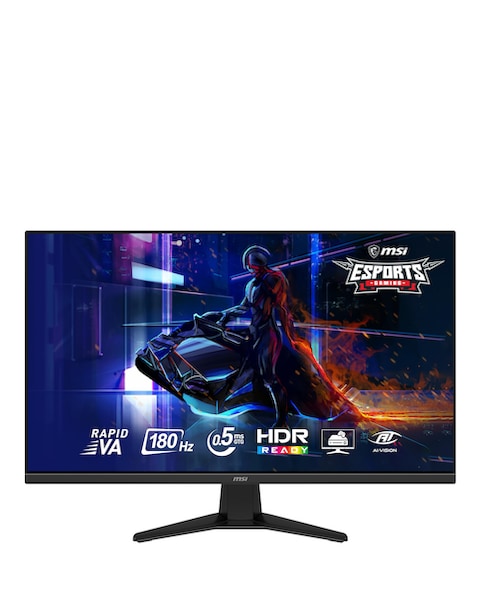
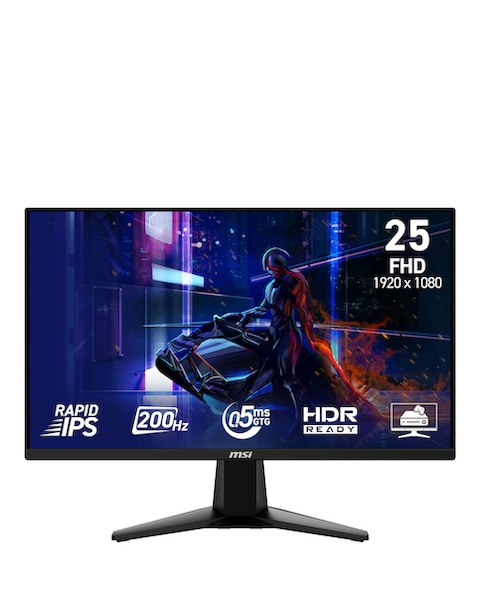
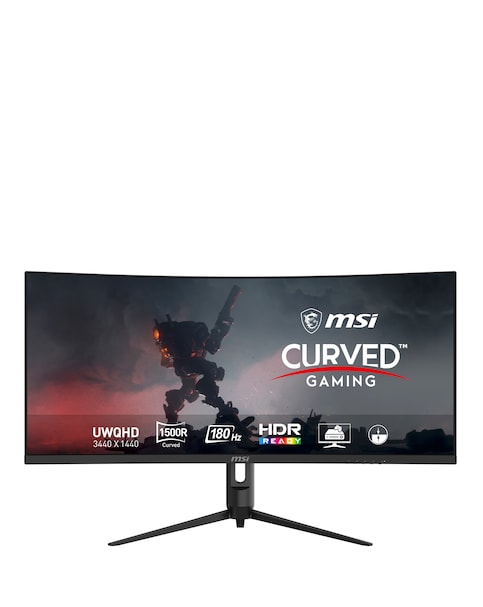
Discover the perfect video monitor for your needs with our extensive range designed to enhance your viewing experience. Whether you're gaming, working from home, or enjoying your favourite shows, our monitors offer vibrant displays and sharp resolutions that bring every detail to life. With features like adjustable stands for comfort, multiple connectivity options for easy setup, and various screen sizes to fit any space, you can find the ideal monitor that suits your lifestyle. Enjoy smooth visuals and reduced eye strain with options that cater to long hours of use, making them perfect for both productivity and leisure. Upgrade your setup today and enjoy a clearer, more immersive experience!
What features should I consider when buying a video monitor?
- When choosing a video monitor, consider the screen size, resolution, and refresh rate to ensure it meets your needs. A larger screen can enhance your viewing experience, while higher resolutions provide clearer images. Additionally, a higher refresh rate is beneficial for gaming or fast-paced videos.
Are curved monitors better than flat ones?
- Curved monitors can provide a more immersive experience by wrapping the display around your field of vision, which can be particularly enjoyable for gaming and movies. However, flat monitors are often easier to set up in multi-monitor configurations and can be more suitable for general office work. The choice depends on your personal preference and how you plan to use the monitor.
Can I use a video monitor for gaming?
- Yes, many video monitors are designed with gaming in mind, featuring fast response times and high refresh rates to ensure smooth gameplay. Look for monitors with low input lag and adaptive sync technologies to enhance your gaming experience. These features help reduce motion blur and provide a more responsive feel during intense gaming sessions.
What is the best resolution for a video monitor?
- The best resolution depends on how you plan to use the monitor. For general use and office work, Full HD (1080p) is often sufficient. If you want sharper images for gaming or graphic design, consider a 1440p or 4K monitor for improved clarity and detail.
How do I set up multiple monitors?
- Setting up multiple monitors is usually straightforward. Connect each monitor to your computer using the appropriate cables, then adjust the display settings in your operating system to extend or duplicate your screen. This setup can greatly enhance productivity by allowing you to multitask more efficiently.
What is the ideal distance to sit from a video monitor?
- The ideal distance to sit from a monitor typically depends on its size and resolution. A good rule of thumb is to sit about an arm's length away for standard monitors, while larger screens may require you to sit further back. Adjusting your distance can help reduce eye strain and improve comfort during long viewing sessions.