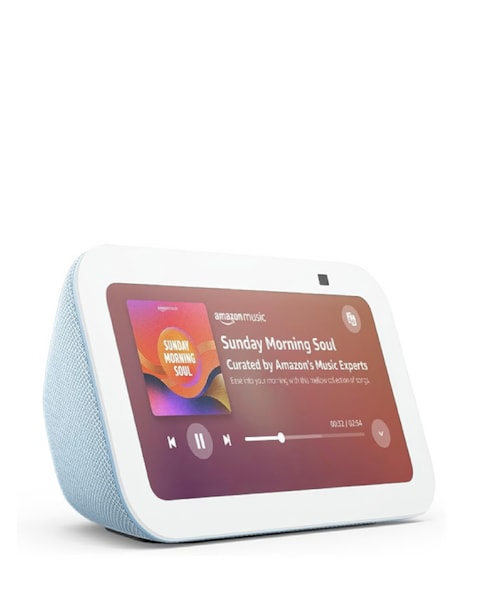
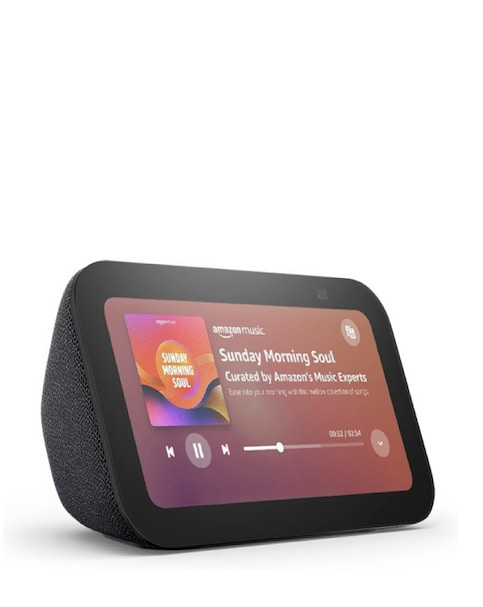
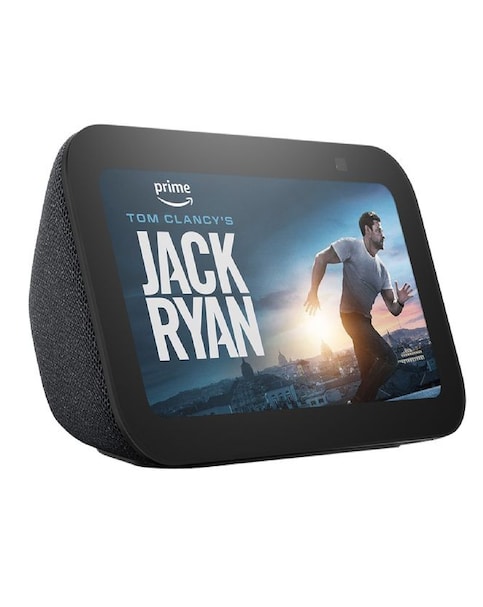
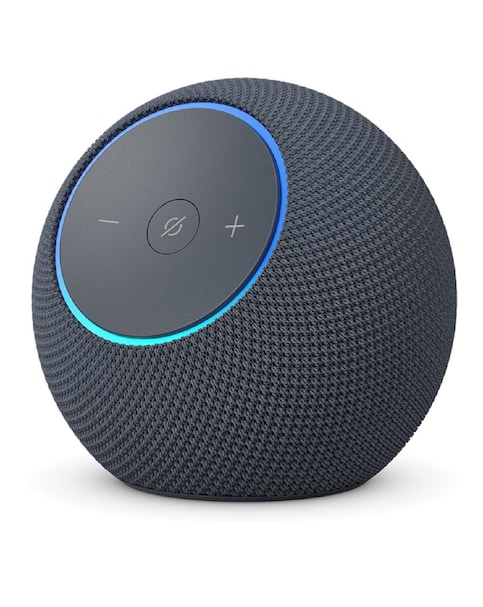
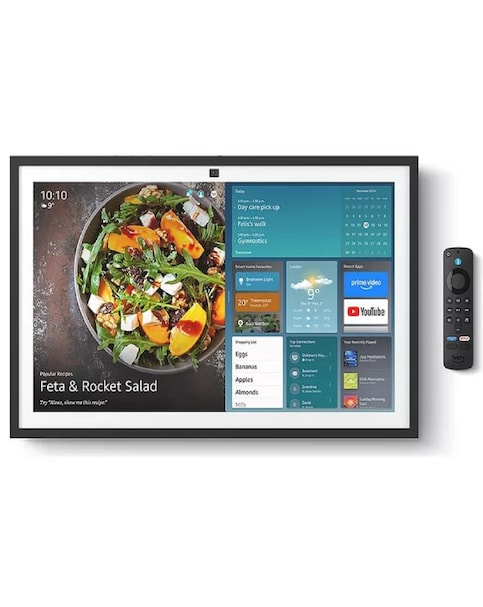
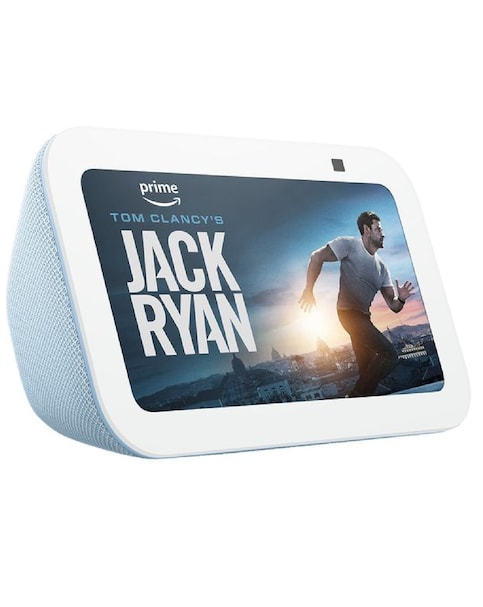
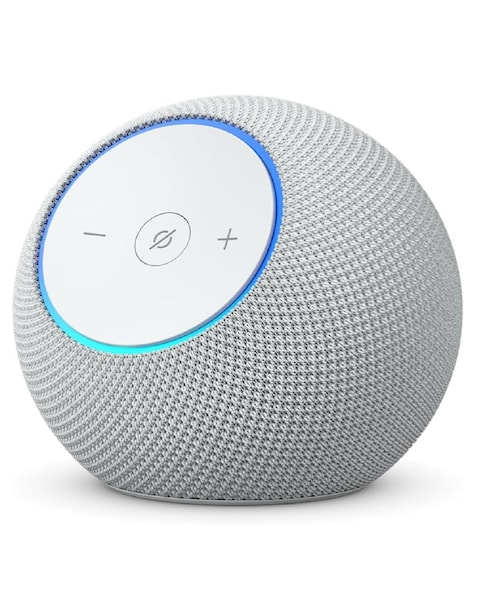
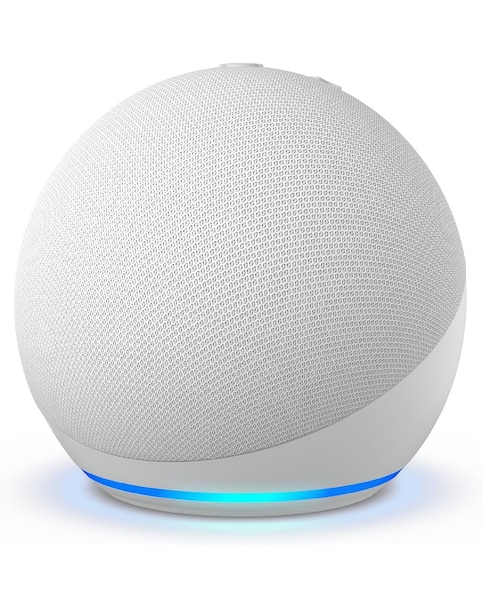
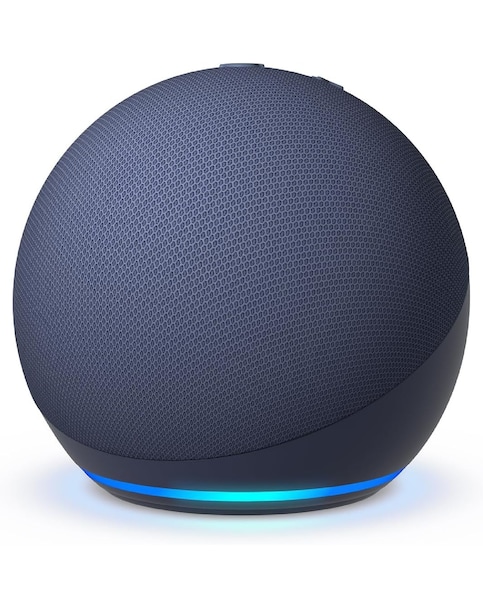
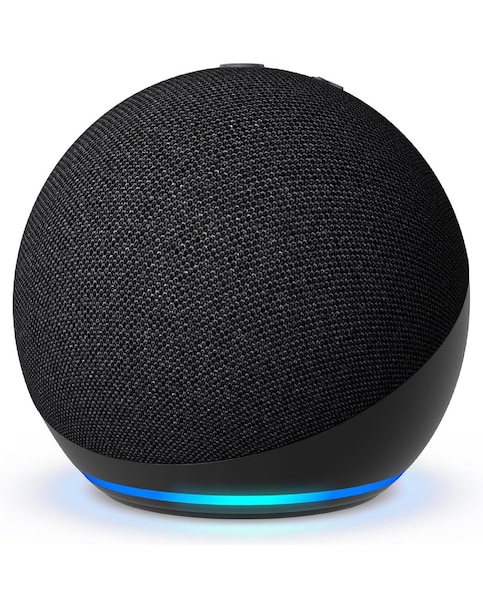
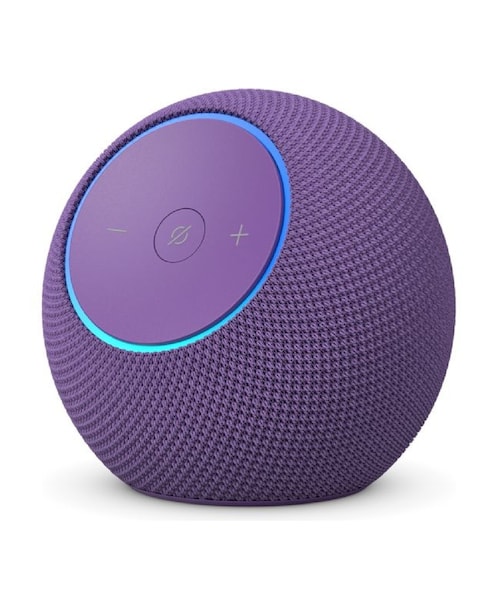
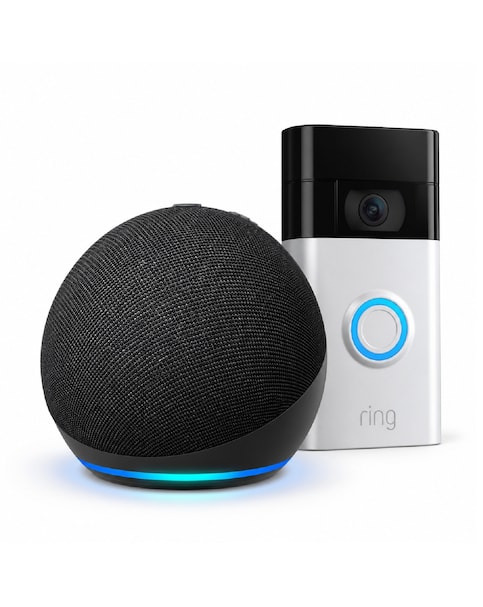
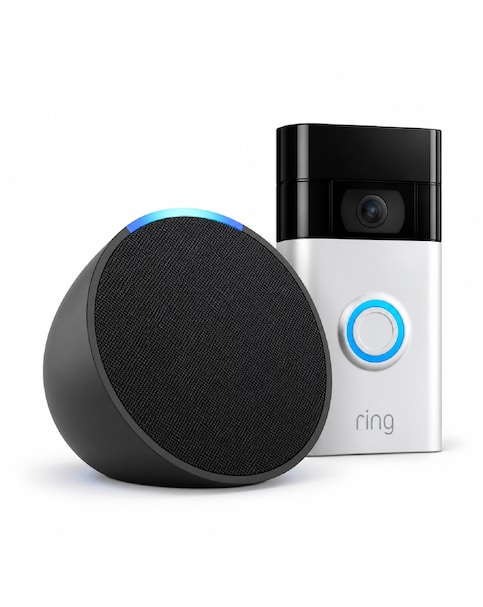
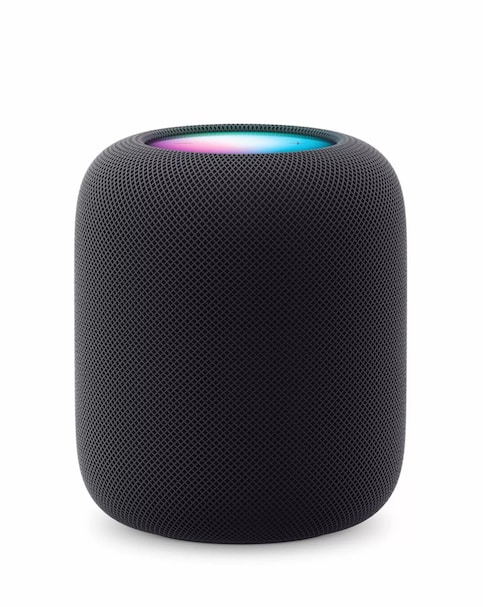
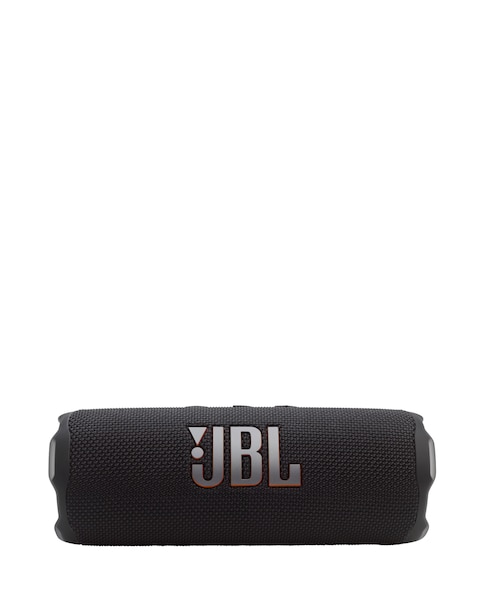
Discover the convenience and versatility of smart displays with Alexa, designed to enhance your daily life. These devices not only allow you to control your smart home with simple voice commands but also provide a vibrant screen for video calls, streaming your favourite shows, and displaying photos. Whether you're cooking in the kitchen, relaxing in the living room, or getting ready for the day, these smart displays fit seamlessly into your routine, making tasks easier and more enjoyable. With features like touch controls and built-in cameras, you can stay connected and entertained while managing your day-to-day activities effortlessly.
What can I do with a smart display that has Alexa?
- You can use a smart display with Alexa to control your smart home devices, play music, set reminders, and check the weather. The screen allows you to watch videos, make video calls, and even follow along with recipes while you cook. It's like having a personal assistant right in your home!
Are smart displays easy to set up?
- Yes, most smart displays are designed for easy setup. You simply plug them in, connect to your Wi-Fi, and follow the on-screen instructions to get started. It usually takes just a few minutes to have your device up and running.
Can I use a smart display for video calls?
- Absolutely! Many smart displays come with built-in cameras that allow you to make video calls to friends and family. This feature is perfect for staying connected, especially if you can't meet in person.
Will a smart display work with my existing smart home devices?
- Yes, smart displays are compatible with a wide range of smart home devices. You can easily control lights, thermostats, and security cameras using voice commands or the touch screen. Just make sure your devices are compatible with Alexa for seamless integration.
Can I watch TV shows and movies on a smart display?
- Yes, many smart displays allow you to stream your favourite shows and movies from popular services. You can enjoy entertainment right from your kitchen or living room, making it easy to catch up on your favourite series while multitasking.